How to Find an AI Chat Bot on Telegram From a Site Link
How to find an AI chat bot on Telegram: open it from the link on the product's own website, then compare the username. 18+.
To find an AI chat bot on Telegram, open it from a link on the product's own website. For Lyra, that bot is t.me/MeetLyraBot.
Steps
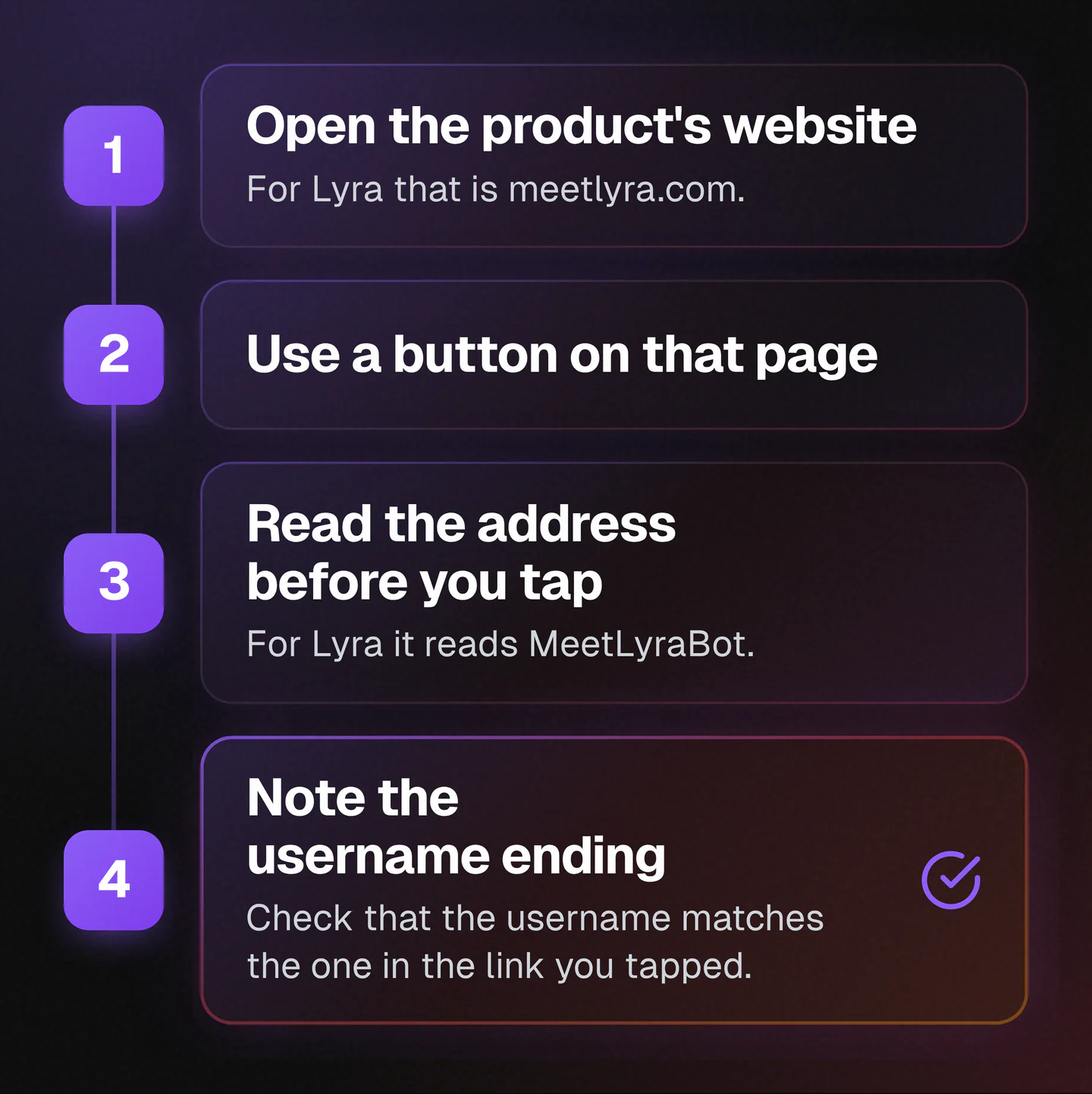
- Open the product's website. For Lyra that is meetlyra.com.
- Use a button on that page. The Meet Lyra and Get Started buttons on the home page open t.me/MeetLyraBot. The Get Started button at the bottom of the terms and support pages does too.
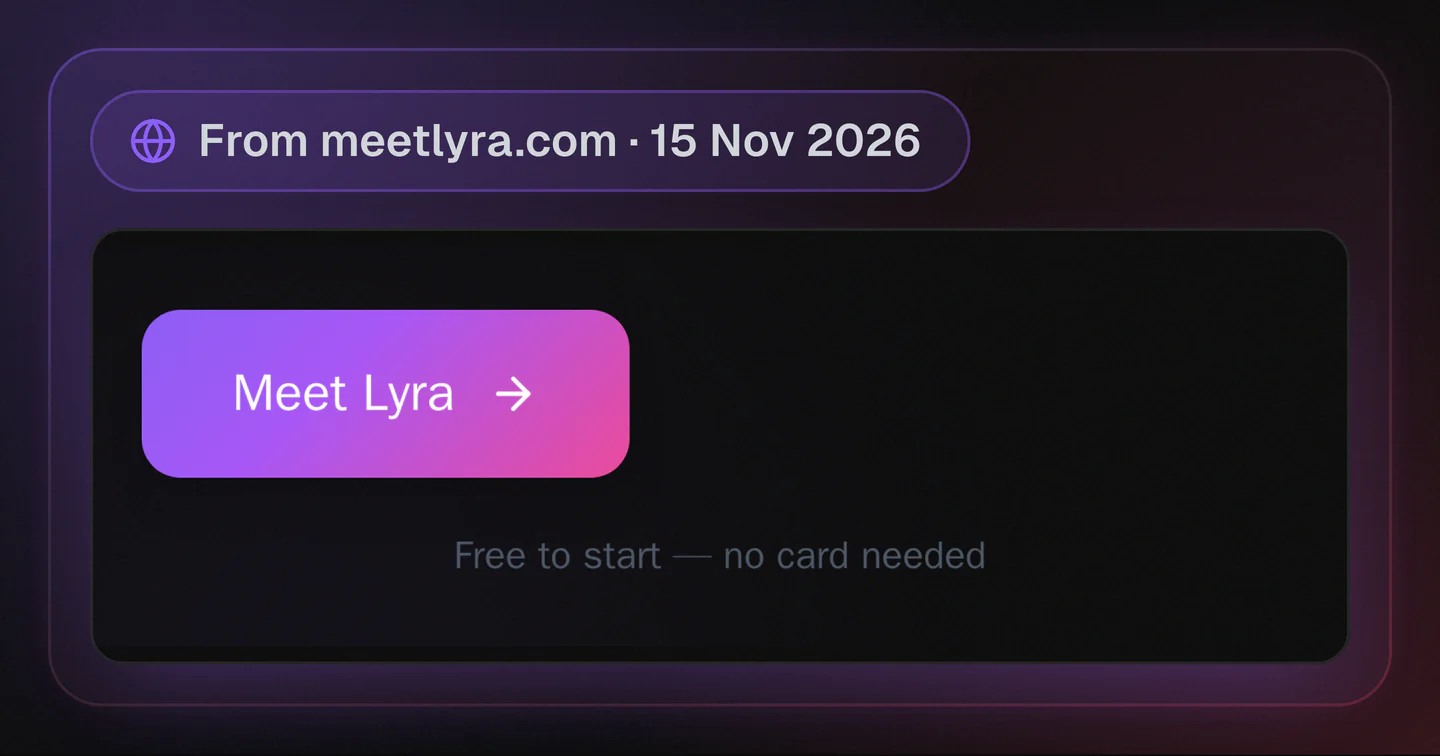
Screenshot of meetlyra.com, the Meet Lyra button.
- Read the address before you tap. Every Telegram bot link looks like
https://t.me/<bot_username>. The username comes right aftert.me/and before any?. For Lyra it readsMeetLyraBot. - Note the username ending. Bot usernames usually end in "bot", but some don't, because Telegram lets people assign collectible usernames to bots. Check that the username matches the one in the link you tapped.
Who Speaks First
A bot can't message you out of the blue. You have to send it a message first, or add it to a group. You can search for a bot's username in Telegram, or start a chat from its t.me link.
What To Share With Any Bot
Treat any bot like a stranger. Don't give it your passwords, your Telegram codes or your bank account numbers, even if it asks nicely. If you have a question about Lyra, write to support@meetlyra.com.
Starting With Lyra
There's nothing to download. You chat with Lyra right on Telegram, and it's free to start with no card needed. Lyra is for adults, 18+.